The Daily Planner 2023 Editable Interior: A Professional’s Evaluation
For many professionals and creators, the year begins with a search for a better system to manage time, tasks, and goals. Physical planners are popular, but they come with inherent limitations: once printed, the layout is fixed. This is where digital, customizable resources like the Daily Planner 2023 Editable Interior present a significant shift. It is not a physical product, but rather a set of high-quality, editable files designed to be the core template for a personalized planner. This review examines its characteristics and practical value from the perspective of someone who regularly evaluates digital tools for productivity and publishing.
Core Purpose and Key Specifications
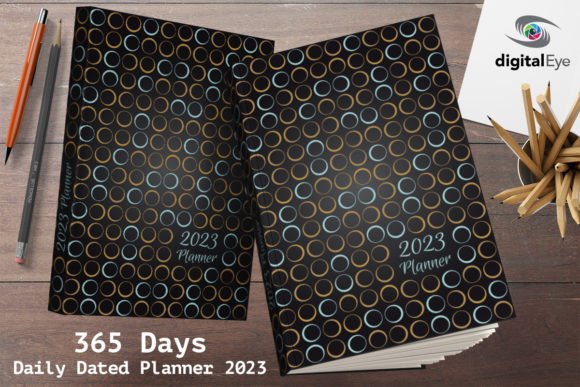
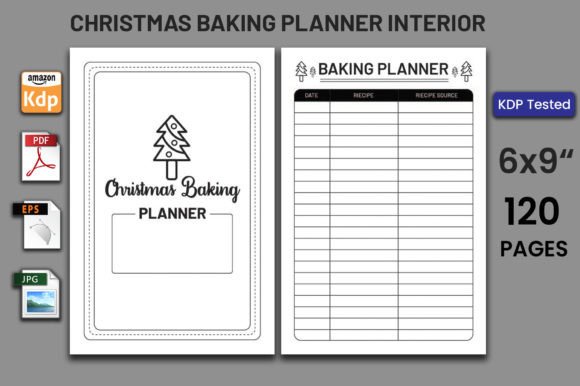
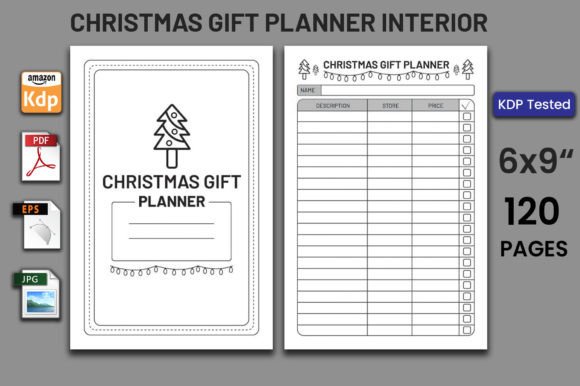
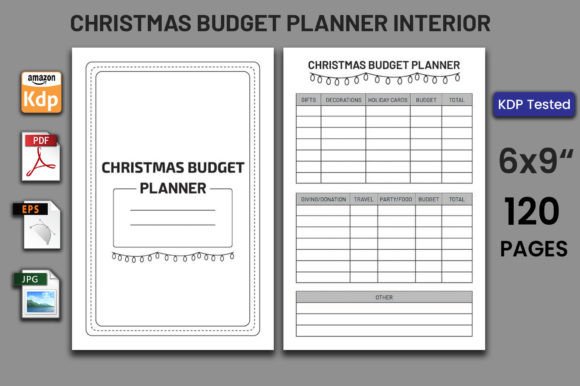
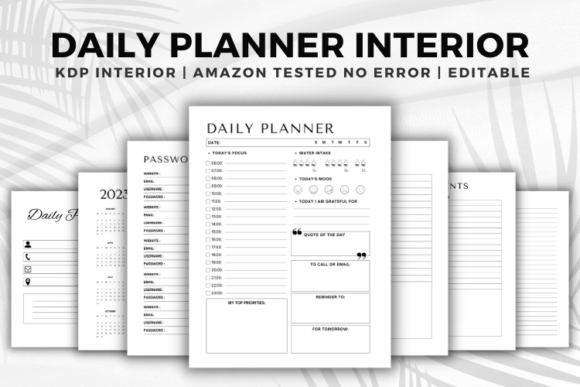
Essentially, the Daily Planner 2023 Editable Interior is a foundational template. Its stated purpose is to provide a ready-made, adaptable structure that individuals can modify and then either use digitally or prepare for physical printing. The included files detail a standard US letter size of 8.5 x 11 inches, comprising 110 pages across 6 distinct page designs. A notable specification is the "No Bleed" designation, which is crucial for those intending to print the planner themselves or through services that do not require full-bleed artwork. The primary editable file is a PowerPoint (.pptx) format, supplemented by high-resolution PNG images. Importantly, the package includes a PDF file that has been tested and is ready for upload to platforms like Amazon KDP (Kindle Direct Publishing). This combination addresses several key stages: editing, digital use, and commercial printing.
Strengths in Flexibility and Control
The most compelling strength of this editable interior is the control it grants the user. Unlike a pre-bound planner, you are not confined to its original date ranges, color scheme, or section order. The PowerPoint format is a pragmatic choice. While not as specialized as dedicated graphic design software, PowerPoint is widely accessible, familiar to a broad audience, and capable of handling text, image insertion, and basic layout adjustments. This lowers the barrier for entry for entrepreneurs, educators, or freelancers who may not have Adobe Illustrator skills but need a professional-looking result.
For example, a marketing consultant could open the .pptx file, replace generic headers with client project names, adjust the color palette to match their brand, and add specific goal-tracking sections relevant to their quarterly campaigns. They could then export the revised pages as a PDF for their own daily use. Similarly, a small business owner creating a branded planner for their team could customize the content extensively before proceeding to print. This flexibility is the product's primary value proposition.
Analysis of Real-World Usability and Quality
In practice, the utility of such a template hinges on its baseline quality and ease of modification. The inclusion of high-resolution PNG files suggests attention to visual clarity, which is vital for both digital viewing and print output. The claim of being "100 Tested on Amazon KDP" and "No Error Ready to Upload" speaks directly to a key user concern: technical reliability. For anyone considering self-publishing a planner, encountering PDF formatting errors or margin issues on KDP can be a frustrating bottleneck. A pre-vetted file that meets KDP's specifications removes a significant layer of technical risk and saves considerable time.
The 6 different page types likely cover essential planner components: daily schedule layouts, weekly overviews, monthly calendars, goal-setting pages, note sections, and perhaps trackers (like habits or expenses). A well-curated mix of pages prevents the planner from being one-dimensional and supports multifaceted planning—from granular daily task management to broader monthly objectives. The 110-page count provides substantial volume for a full-year planner or a focused quarterly system, depending on how the user arranges the editable pages.
Considerations for Different User Scenarios
The Daily Planner 2023 Editable Interior is not a one-size-fits-all solution, but its design makes it relevant for several specific audiences and situations.
- Self-Publishing Authors & Content Creators: This group benefits most directly. Bloggers, publishers, and serious hobbyists looking to create and sell a physical or digital planner on Amazon or their own store can use this as a production-ready starting point. It dramatically accelerates the design phase.
- Professionals & Entrepreneurs Seeking Customization: Individuals who have specific planning needs that off-the-shelf planners don't meet—such integrated project milestones, unique metrics tracking, or branded elements—can tailor this template to their exact workflow without designing from scratch.
- Educators & Trainers: Creating a specialized planner for a course or workshop becomes straightforward. Sections can be edited to reflect weekly assignments, session notes, or progress reviews.
- Freelancers & Digital Marketers: The ability to quickly adapt the planner for different clients or campaigns, perhaps even creating client-specific deliverables, adds practical value.
A potential limitation lies in the editing software itself. While PowerPoint is accessible, its design capabilities are finite. Users seeking extremely intricate graphical overhauls, complex typography, or non-standard layouts might find it restrictive and need to import the PNG assets into more advanced software, which adds a step.
Long-Term Value and Professional Observations
From an evaluation standpoint, the long-term value of this product extends beyond the 2023 calendar year. A well-structured, editable interior template is a reusable asset. The core page designs—for daily, weekly, monthly planning—are perennial. A user can update the year, refresh the content, and repurpose the template for 2024 or for different projects. This represents a better return on investment compared to purchasing a single-use, static planner each year.
The package’s composition also shows an understanding of the user journey: editable source files for creation (.pptx), high-quality images for alternative uses (.png), and a vetted output file for distribution (.pdf). This triage covers the main phases of the workflow. It is a practical, no-fuss approach that prioritizes function over flashy marketing.
Final Practical Recommendations
Whether the Daily Planner 2023 Editable Interior fits your needs depends on your goals. If you require a perfectly bound, immediate-use planner with no effort, this is not that. It is a tool for creation and customization. If you fall into the categories of self-publisher, customization-seeker, or professional needing a tailored planning system, it offers a reliable and efficient foundation.
Before use, it is advisable to review the 6 page types to ensure they align with your planning methodology. Assess your comfort level with PowerPoint for the modifications you intend to make. For those planning KDP upload, the pre-tested PDF is a considerable advantage, but always perform your own final check against current platform guidelines. In essence, this product removes the heavy lifting of planner design and technical formatting, allowing you to focus on the content and personalization that make a planner truly effective for your unique professional or creative rhythm.